
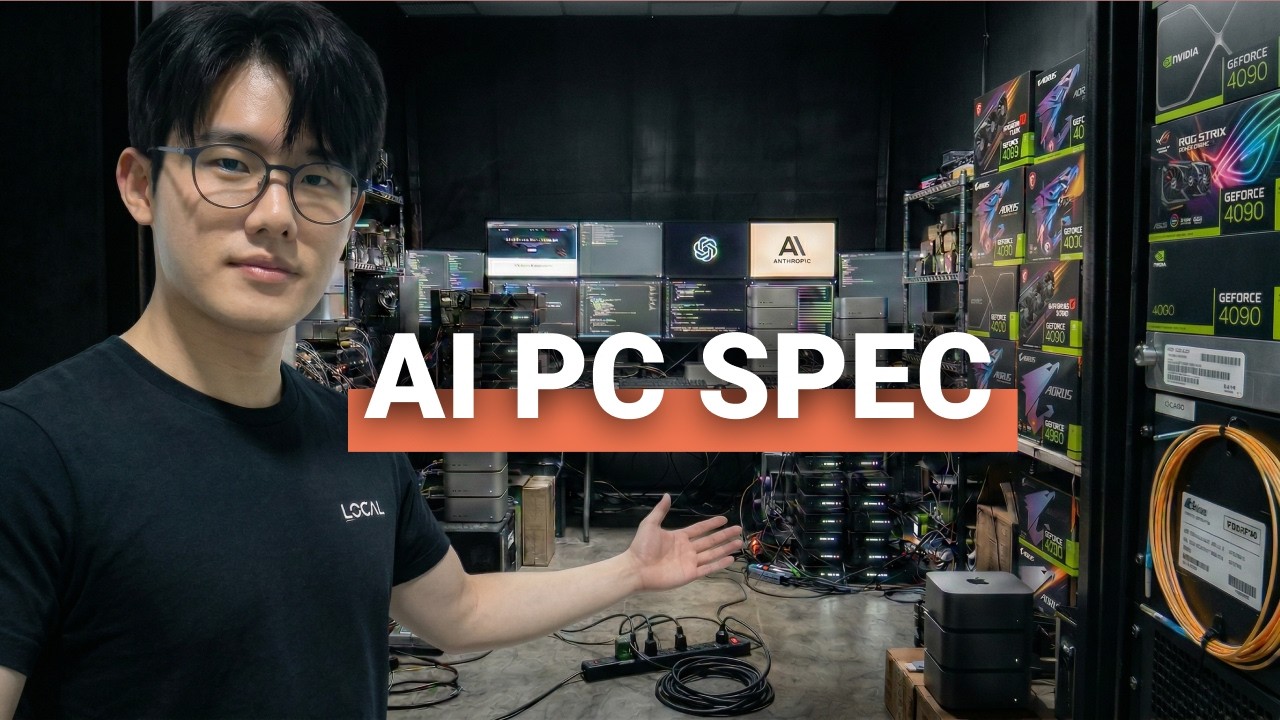
Building a computer for local AI is not quite the same as building a gaming PC. Faster processors and more GPU horsepower can certainly help, but for running large language models locally, one specification often determines what your system can realistically do: VRAM capacity.
If you are building a machine for local AI agents, coding assistants, private document analysis, or offline chat, understanding memory capacity can save you from buying hardware that looks powerful on paper but becomes frustrating the moment you load a larger model.
Why VRAM Is the Primary Bottleneck for Local AI Models
Think of your local AI computer like a restaurant kitchen. The GPU is the chef, responsible for doing the mathematical work. GPU speed represents how quickly the chef can work. VRAM, however, is the size of the kitchen counter.
An AI model needs memory to hold its parameters while it is running. If the model fits comfortably into available VRAM, the GPU can process it efficiently. If the model exceeds available GPU memory, parts of the workload may spill into slower system memory, creating a dramatic performance penalty.
That is why a fast GPU with insufficient VRAM can be less useful for local AI than an older GPU with substantially more memory. Before asking how fast a GPU is, ask a more important question: how much model and conversation context can it actually hold?
How Much VRAM Does a Local LLM Need?
Model size is usually described by parameter count. A 7B model contains approximately 7 billion parameters, while larger models may contain 14B, 32B, 70B, or more. More parameters generally require more memory.
Quantization, sometimes described as using a compressed representation such as 4-bit weights, reduces the memory required to run a model. This makes much larger models practical on consumer hardware, although it can involve some tradeoffs.
| Approximate Model Size | Approximate Memory Requirement at 4-Bit | Typical Local AI Use |
|---|---|---|
| 7B to 8B | About 5 GB | General chat, coding assistance, summaries |
| 14B | About 10 GB | More capable local workflows with some memory pressure |
| 32B | About 20 GB | Advanced agents, document analysis, complex workflows |
| 70B | About 40 GB | High-end experimentation with significant hardware requirements |
These figures are only a starting point. Loading the model is not the same thing as having enough memory for a productive session. Conversations also consume memory as context grows. A model that initially loads successfully can slow down later because the available memory becomes increasingly occupied by the expanding conversation history.
Local AI Context Windows Also Consume VRAM
The model itself is only part of the memory equation. Every prompt, response, document, and conversation turn can increase the memory required to maintain context.
In practical terms, you need headroom. Filling nearly all available VRAM with model weights may leave too little capacity for longer conversations or agent workflows. This is one reason why a GPU with 24 GB of VRAM can feel dramatically more capable than a 16 GB card, even when the raw compute performance difference is less significant.
For local AI, extra memory does not simply allow a bigger model. It can also provide room for longer context, more reliable agent loops, and potentially multiple models working together.
Entry-Level Local AI Hardware: 16 GB of VRAM
A practical starting point for serious local AI is a system built around a GPU with 16 GB of VRAM. The RTX 4060 Ti 16 GB represents this general hardware tier, paired with a capable mainstream processor, 64 GB of system RAM, a 2 TB SSD, adequate power delivery, and good airflow.
This class of system can run 7B and 8B models comfortably and can support real workloads including coding assistance, private conversations, document summaries, and lighter automation tasks. A 14B model may also be possible, although longer context and performance headroom become more constrained.
A key distinction is the difference between an 8 GB and 16 GB GPU. For local AI workloads, the additional VRAM can fundamentally change the size of models and workloads the system can support.
A reasonable entry-level local AI desktop in this category can fall into approximately the $1,200 to $1,500 range, depending on component pricing and configuration.
The 24 GB VRAM Sweet Spot for Serious Local AI Agents
For many power users, 24 GB of VRAM is a particularly important threshold. This amount of memory creates substantially more room for 32B-class models, longer conversations, and more complex AI workflows.
One approach is newer hardware with strong compute performance and 16 GB of VRAM. Another approach is choosing an older GPU with more memory, such as a used RTX 3090 with 24 GB of VRAM. For local AI, the larger memory pool can be more valuable than chasing newer architecture or higher gaming benchmarks.
This tier is where local models begin to feel substantially more capable for everyday professional workflows, including coding, multi-step agents, private knowledge work, and larger document analysis.
Apple Unified Memory vs NVIDIA VRAM for Local AI
Apple hardware takes a different approach through unified memory. Instead of maintaining completely separate pools for GPU memory and system memory, Apple silicon uses a shared memory architecture.
For local AI, this can make machines such as a sufficiently configured Mac mini, MacBook Pro, or Mac Studio attractive because a larger shared memory pool can accommodate models that would otherwise require a GPU with a similarly large VRAM capacity.
The tradeoff is typically raw generation speed compared with a dedicated high-performance NVIDIA GPU. However, local AI does not always require maximum speed. Output around 10 to 15 tokens per second can still feel comfortable for interactive work, while higher rates feel increasingly immediate.
Apple systems can also offer advantages in simplicity, low noise, and power efficiency. The right choice depends on whether your priority is maximum throughput, larger available memory, energy efficiency, or an easy-to-manage workstation.
High-End Local AI Workstations: 24 GB to 96 GB and Beyond
High-end local AI systems are useful when your workflow genuinely requires them. A workstation built around a 24 GB GPU, 128 GB of system RAM, and a high-performance processor can run 32B-class models with greater speed and longer usable context.
Systems with very large unified memory pools can go further, potentially keeping multiple AI workloads in memory at the same time. For example, a reasoning model, embedding model, and coding model could support different stages of a larger workflow without constantly reloading models.
Beyond this point, dual-GPU systems and extremely large VRAM configurations become increasingly specialized and expensive. They are more appropriate for advanced experimentation, model training, or workloads where consumer-level local inference hardware is no longer sufficient.
Why a Raspberry Pi Is Not a Daily-Driver Local LLM Computer
Small computers such as the Raspberry Pi 5 can still play an important role in AI projects. They are useful for edge experiments, sandboxed agent execution, computer vision experiments, and lightweight automation.
However, they are not a substitute for a dedicated local AI workstation when the goal is to run larger language models for responsive chat, coding, or complex agent workflows. In that environment, memory capacity and compute resources become limiting much faster.
Best Software for Running AI Models Locally
Hardware is only half the local AI equation. Two common approaches for running and managing local models are Ollama and LM Studio.
Ollama provides a streamlined command-line approach for downloading and serving models locally. LM Studio offers a more visual interface for users who prefer an experience closer to a conventional chat application. Both simplify important tasks such as model management and local model execution.
Local models can also become part of larger workflows by connecting them to automation platforms, multi-agent frameworks, and custom applications.
Choosing the Right Local AI Model Format for Your Hardware
Model files can be packaged and optimized in different formats. Selecting the right format for your hardware can affect compatibility and performance.
GGUF is widely used for efficient local inference and is particularly relevant across many desktop and Mac-based workflows. MLX is designed around Apple silicon. NVIDIA-based systems may also use optimized formats such as AWQ, depending on the inference software and specific model implementation.
The most downloaded model file is not automatically the best choice for your hardware. Before downloading a model, check which format is supported and optimized for your operating system, processor architecture, GPU, and local AI software stack.
Local AI vs Cloud AI: Why the Best Strategy Is Hybrid
Local AI does not need to replace cloud AI to be valuable. The largest frontier models remain powerful tools for difficult reasoning tasks and highly complex problems. Cloud services can provide access to models that are impractical to run on consumer hardware.
Local AI has different strengths. Your data can remain on your own machine, your workflows can continue without an internet connection, and there are no per-token charges once the hardware and software are in place.
A practical strategy is therefore hybrid: use local models for routine, private, repeatable, or offline workflows, and use cloud-based frontier models when a problem requires the highest available reasoning capability.
What Local AI Hardware Should You Buy in 2026?
Start with the workload, not the benchmark chart. If you are new to local AI, a 16 GB VRAM system can provide a capable foundation for 7B and 8B models. If you expect to work with larger models, longer context windows, or more advanced agents, 24 GB of GPU memory can be a significant upgrade.
For even larger workloads, unified-memory systems and high-end workstations provide another path. The most important principle remains consistent across every tier:
Buy enough memory for the model and context you want to run, then optimize the rest of the system around it.
For local AI agents, VRAM capacity often determines the ceiling of your experience. Raw GPU speed determines how quickly you operate below that ceiling. Both matter, but if the model does not fit comfortably in memory, speed cannot fully compensate.
Key Takeaways for Building a Local AI PC
- Prioritize VRAM capacity when selecting hardware for local LLMs.
- Leave memory headroom for context windows and longer conversations.
- 16 GB is a practical starting point for serious local AI work.
- 24 GB provides substantially more flexibility for 32B-class models and advanced workflows.
- Apple unified memory can provide a compelling alternative to dedicated GPU VRAM.
- Choose model formats and inference software that match your hardware.
- Use local and cloud AI together rather than treating them as mutually exclusive.